 PlicoPDF
Press kit
Everything you need to write about PlicoPDF. For questions, write to [email protected].
Short description
PlicoPDF is a free Windows app to organize, merge, split, compress, compare, convert, watermark, redact, OCR and fill PDF files offline, with batch processing for whole folders. Documents are processed on the user's PC and never uploaded.
Long description
PlicoPDF is a desktop app for Windows 10 and 11 that handles everyday PDF work without sending files to the cloud. It shows the pages as thumbnails next to the selected page fitted to the window, to reorder, rotate, delete or extract pages, merges and splits documents, compresses the images inside a PDF while leaving text sharp, and converts images to PDF and back. It adds watermarks, page numbers, headers and footers, and fills in PDF forms from a personal profile stored encrypted on the PC. It also redacts sensitive content for good: marked text and images, or all the content of a marked page, are deleted, not just covered, and the marked areas are checked for leftover text. It compares two versions of a PDF in their text and in their look: changed words and characters, added, deleted or moved pages, images and layout, with pages matched by content, optional local OCR for scanned pages and a PDF or JSON report. It also recognizes the text of scanned documents (OCR, in Italian and English) to make them searchable, and places an image of a handwritten signature on a page (a visual signature, not a cryptographic digital signature). Batch processing applies the same operation to whole folders. PlicoPDF has no account, no telemetry and works offline; the only connection is an optional check for new versions.
Fact sheet
- Name: PlicoPDF
- Category: PDF tools for Windows
- Platform: Windows 10 and 11, 64-bit
- Status: free public beta (version 0.8.0, October 2026)
- Languages: English and Italian
- Publisher: Leonardo Anceschi
- Download: direct download (installer, about 107 MB, or portable zip) or Microsoft Store (updated through the Store)
- User guide: User guide in English (PDF, 2 MB) · User guide in Italian (PDF, 2 MB), version 0.8.0
- Website: plicopdf.com
- Contact: [email protected]
Logo and images
- Logo, SVG
- Logo, PNG 512 × 512
- Social image, English, PNG 1200 × 630
- Social image, Italian, PNG 1200 × 630
Screenshots
In English
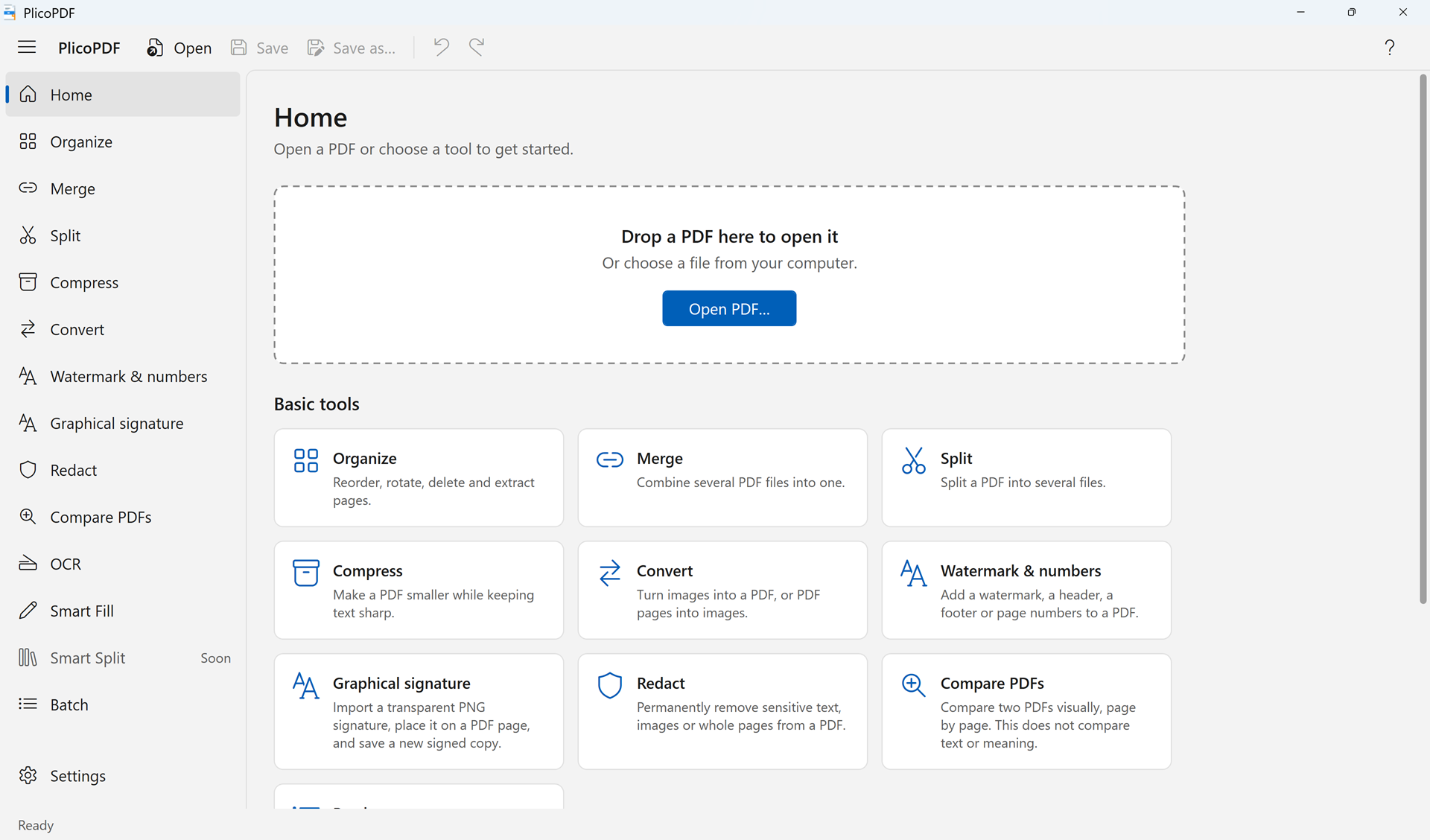 Home
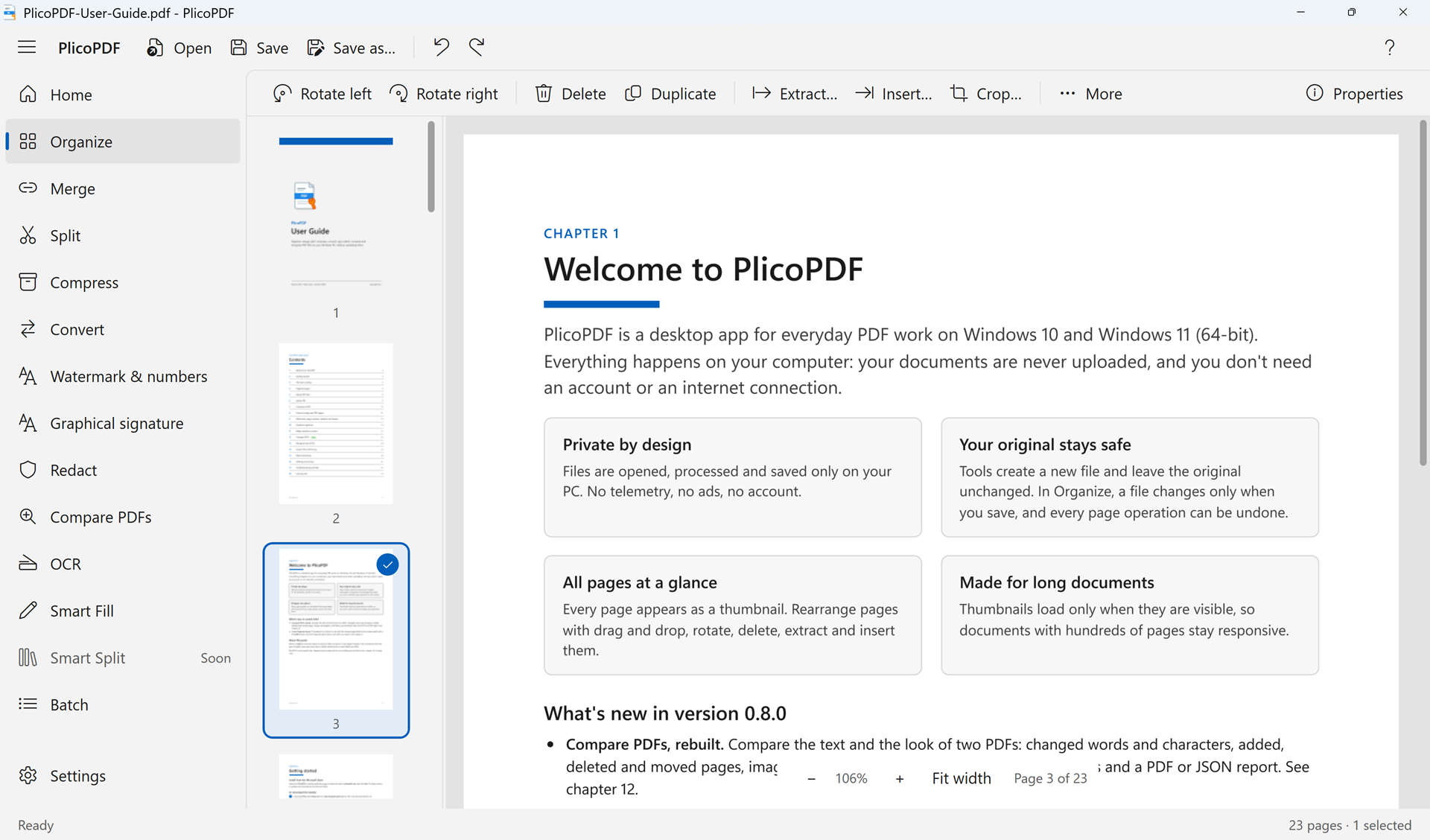 Organize
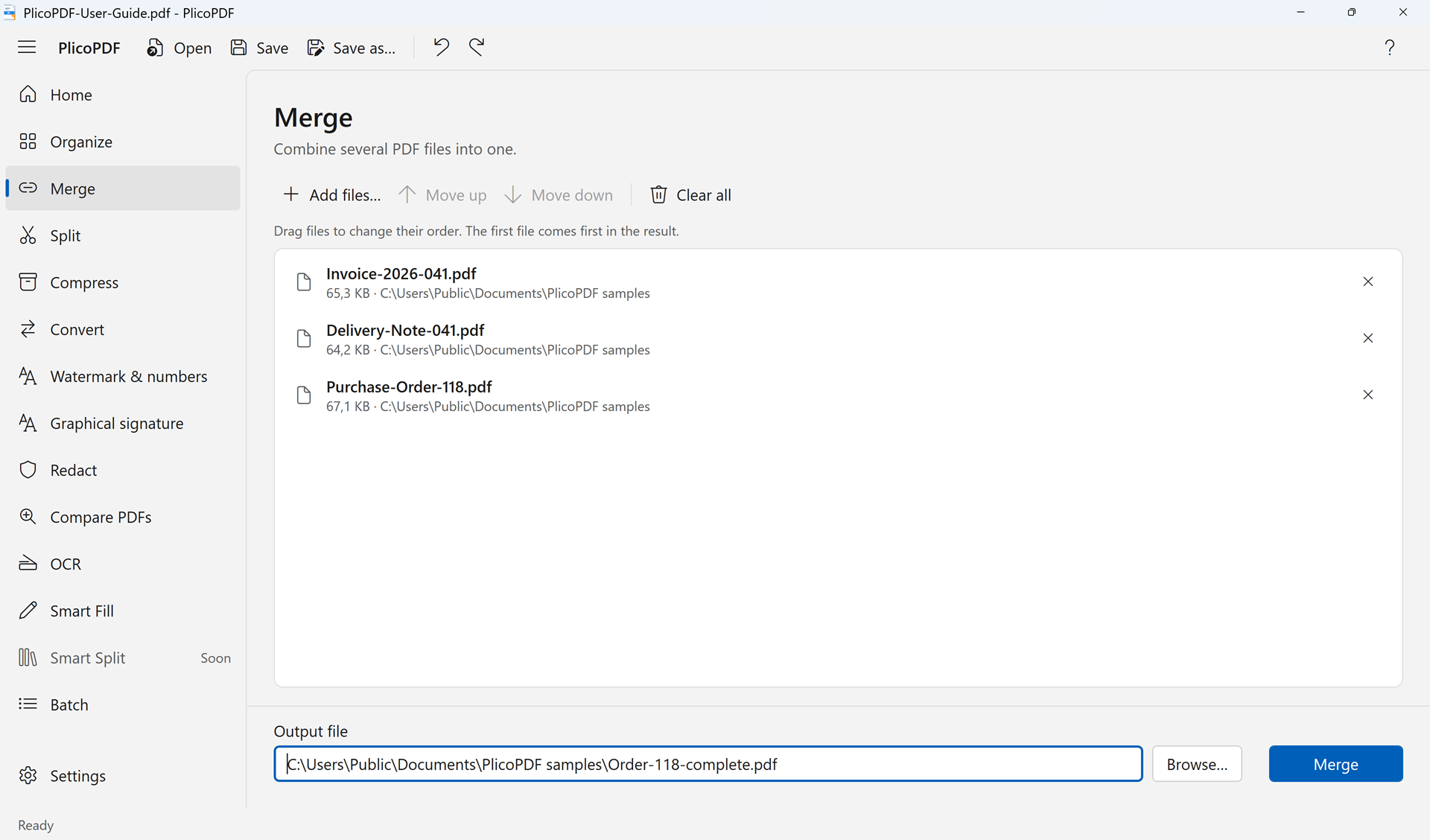 Merge
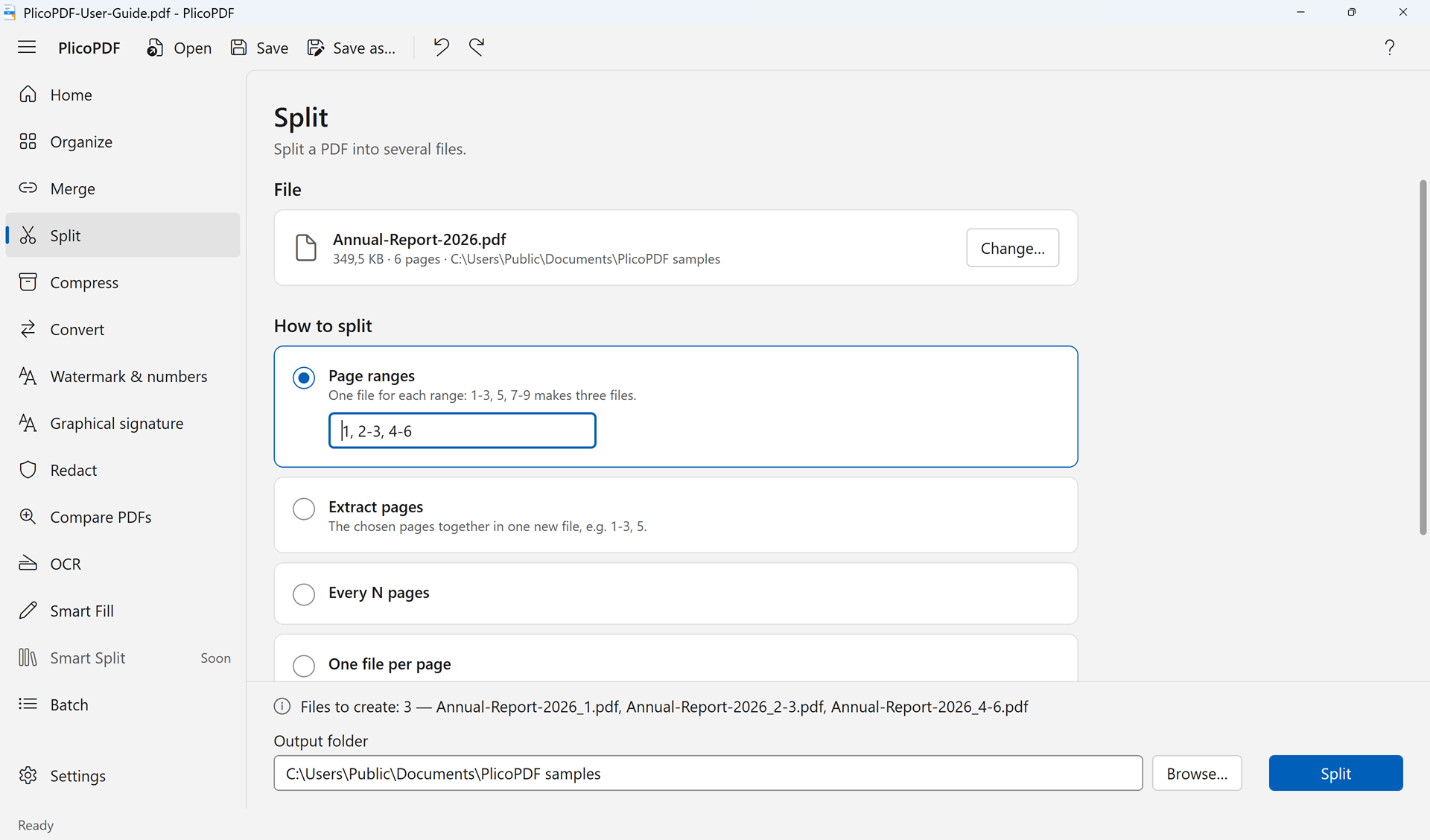 Split
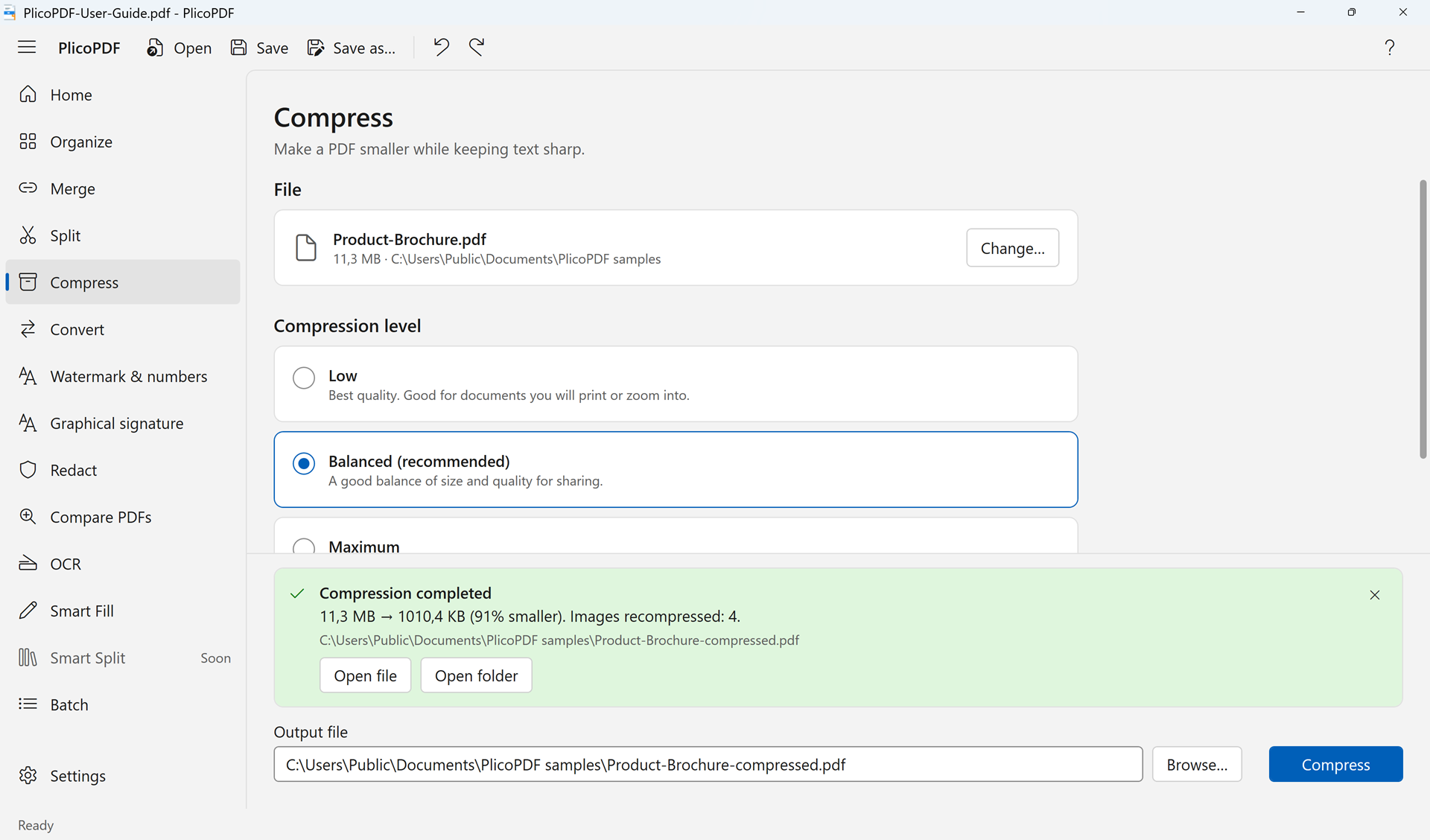 Compress
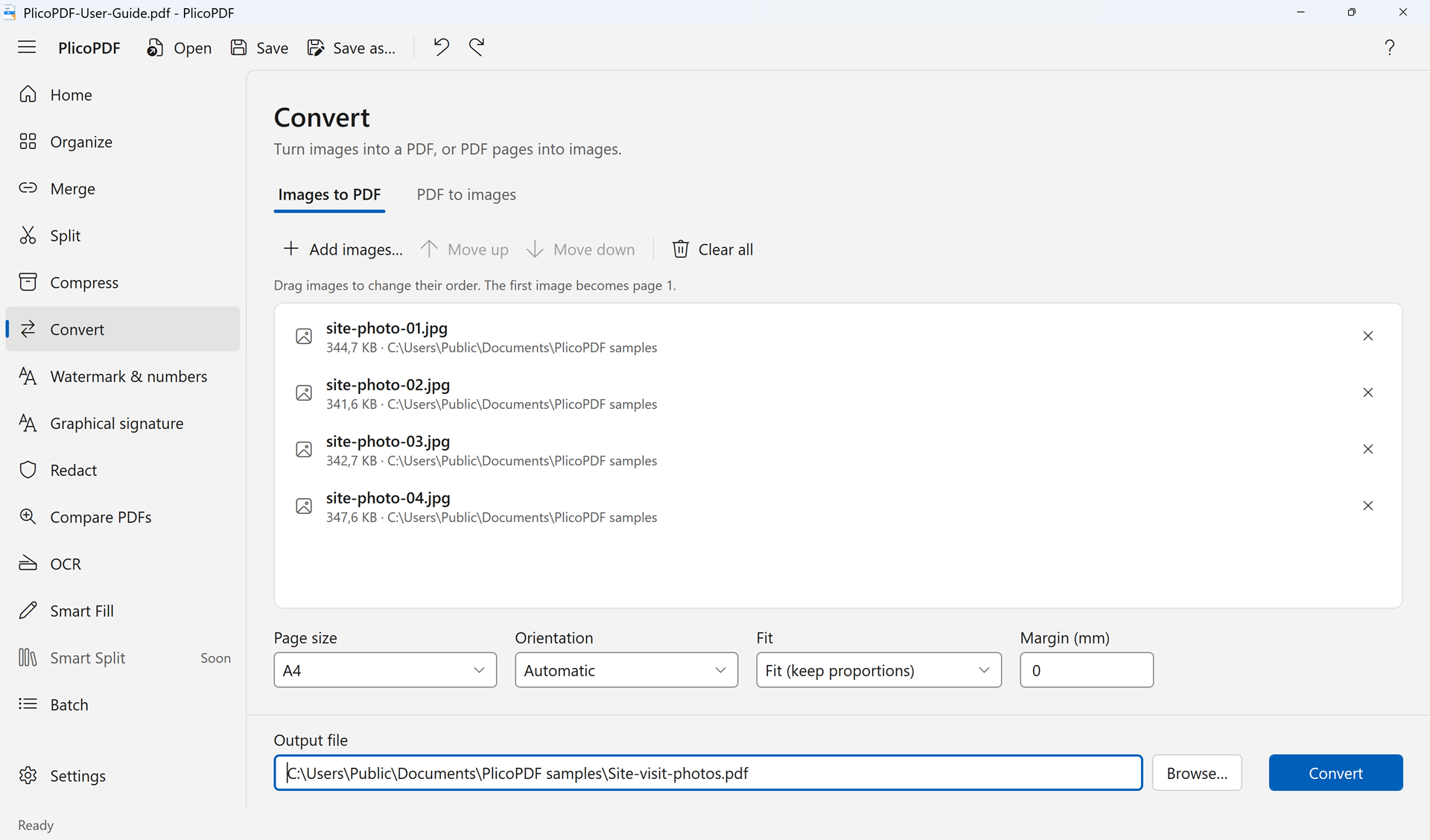 Images to PDF
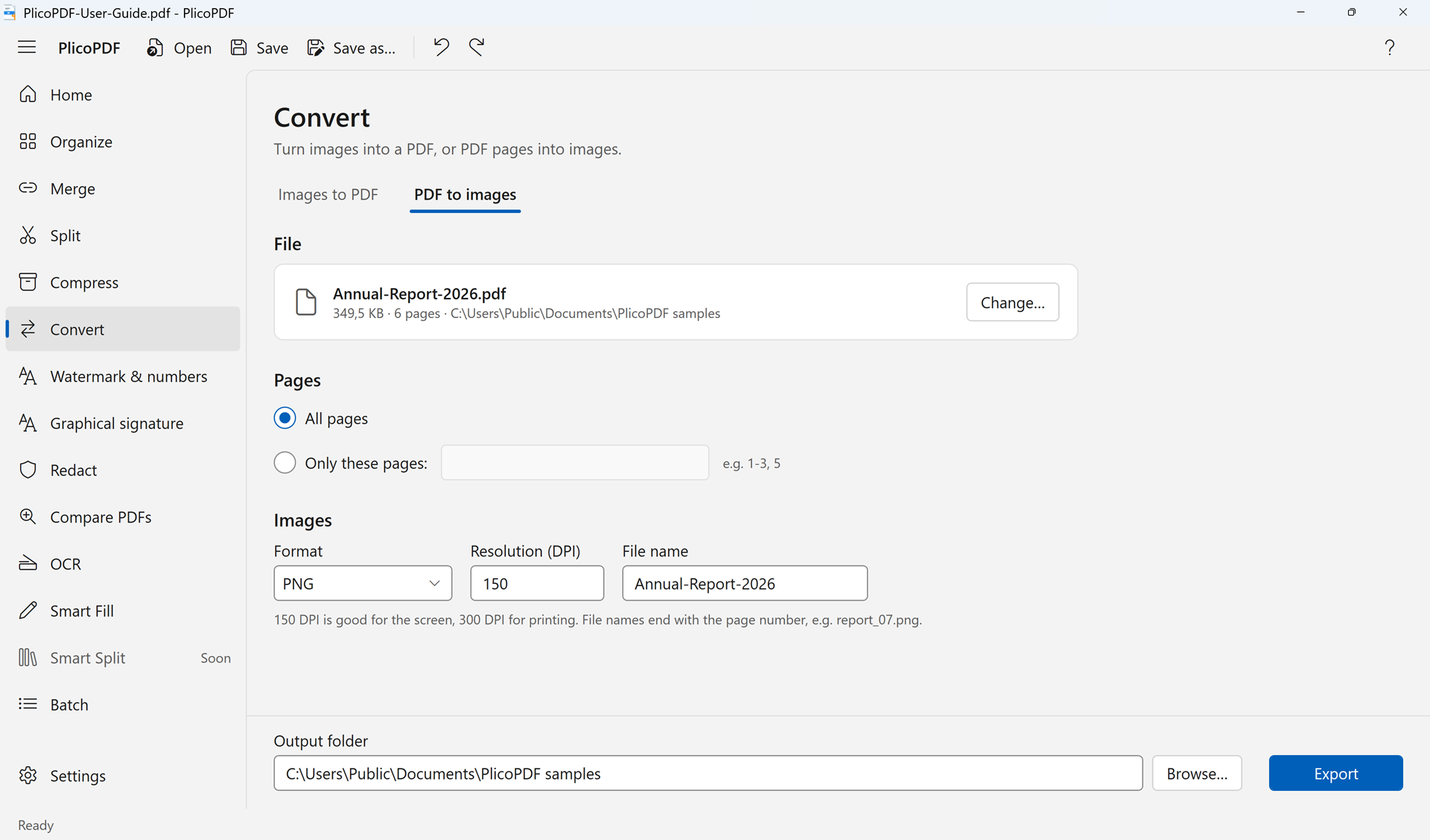 PDF to images
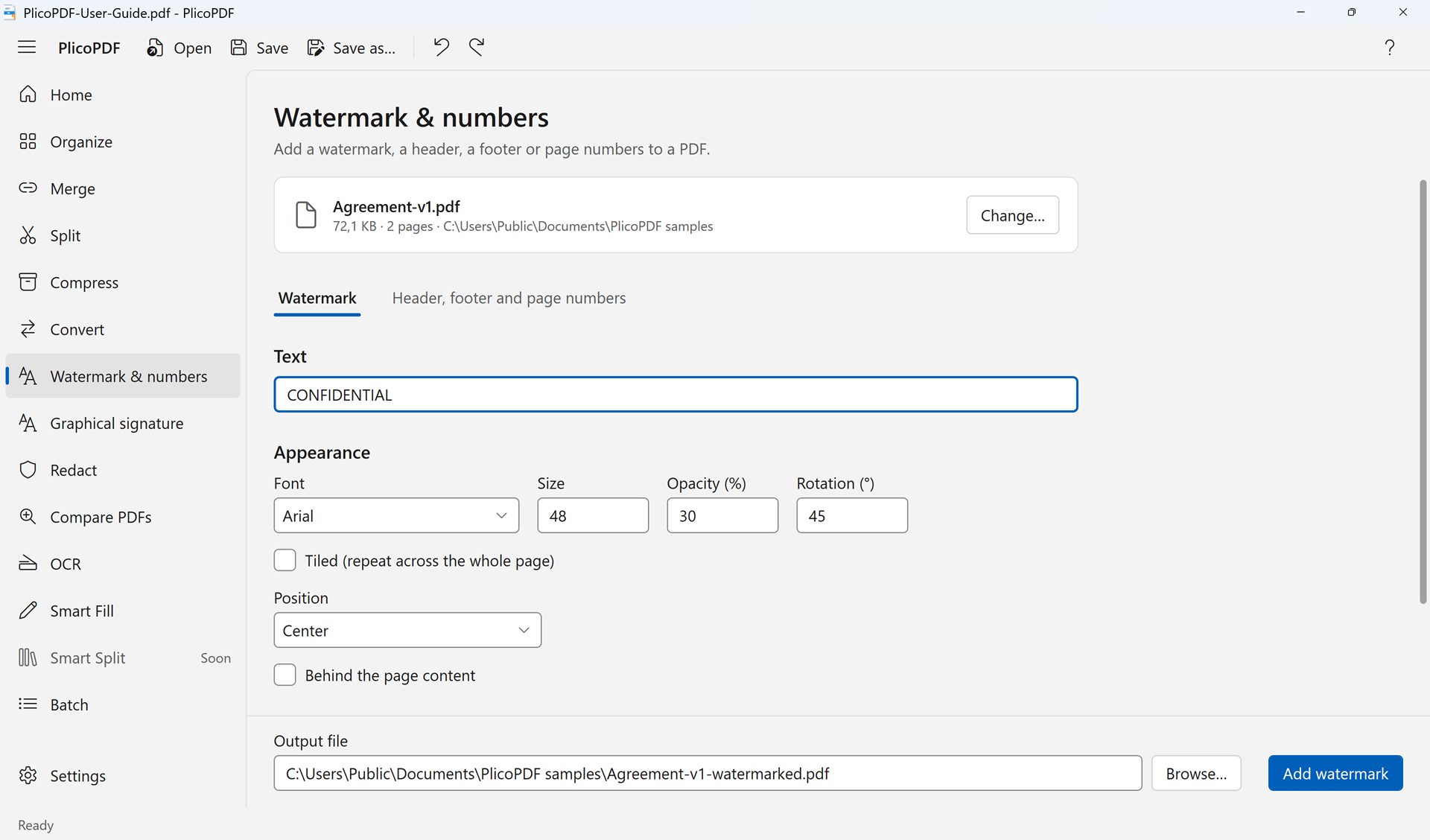 Watermark and numbers
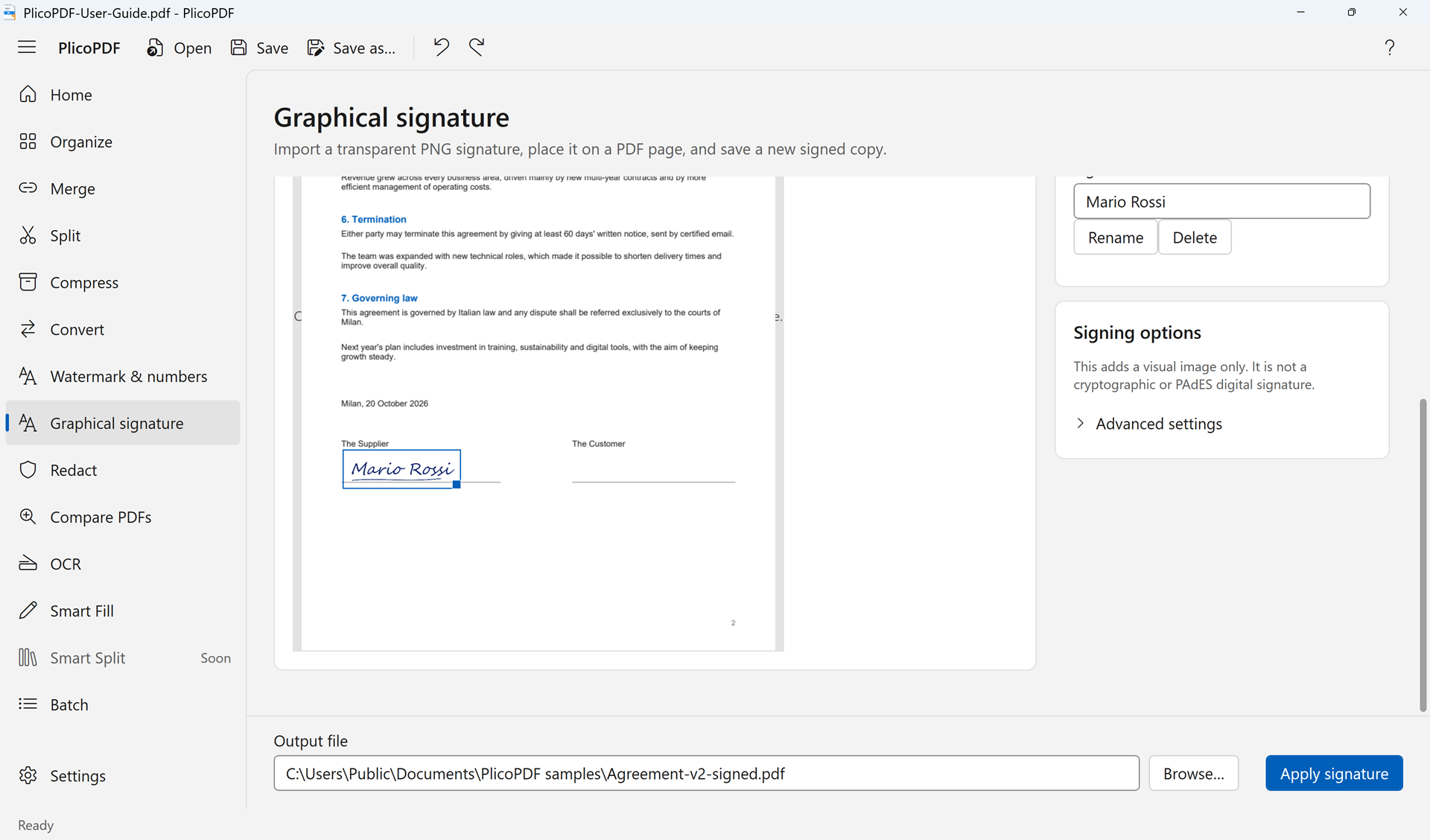 Graphical signature
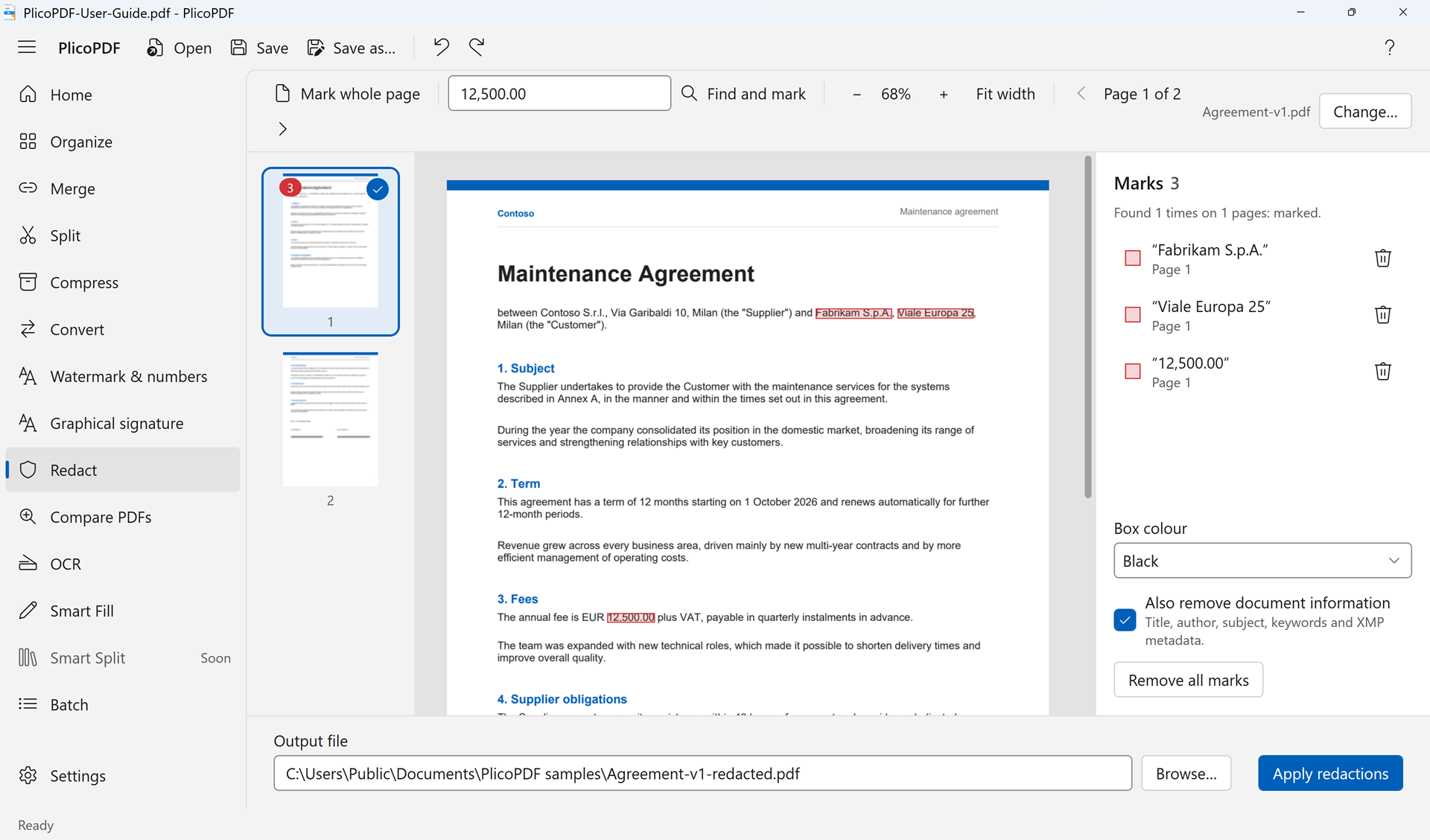 Redact
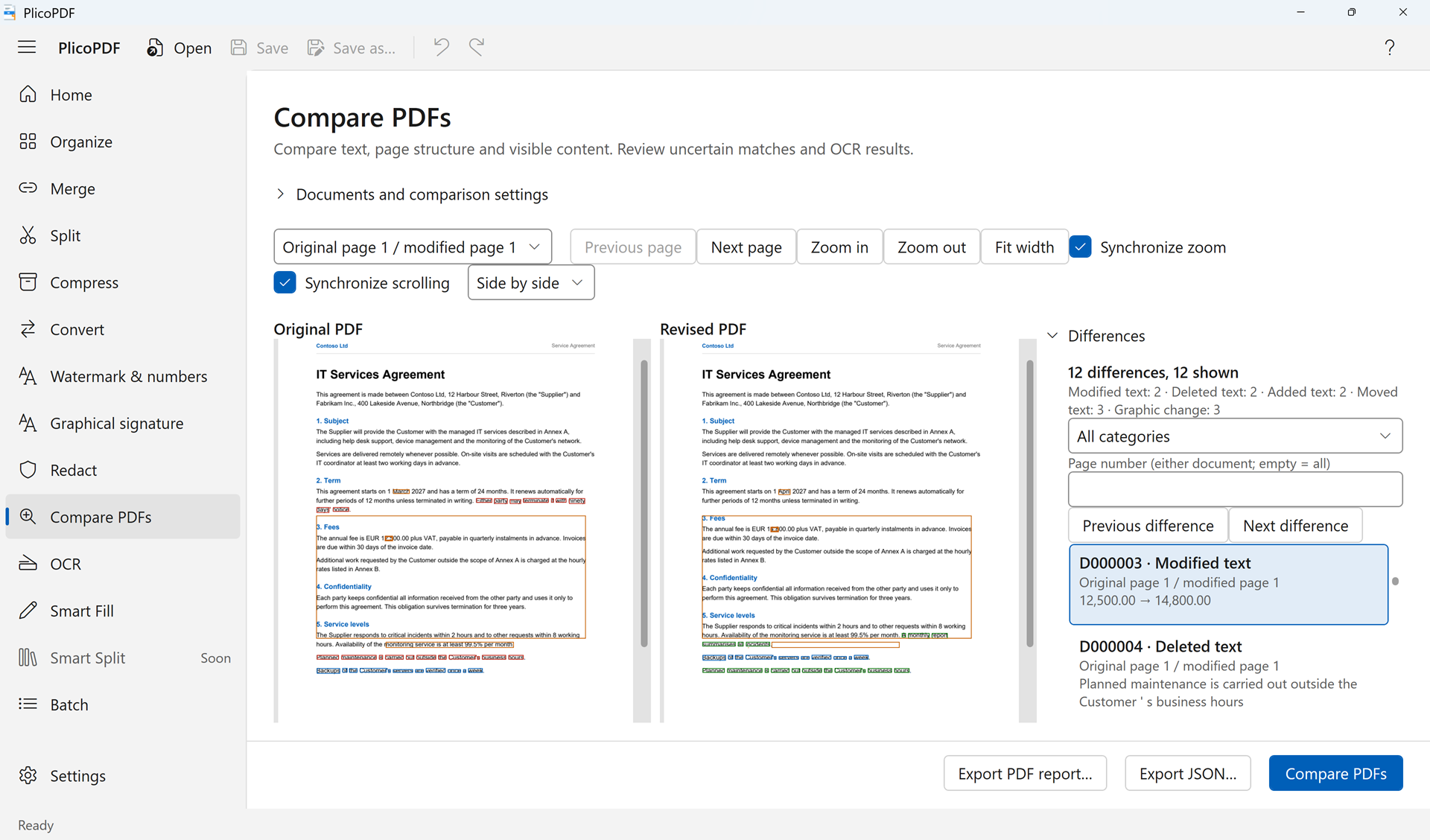 Compare PDFs
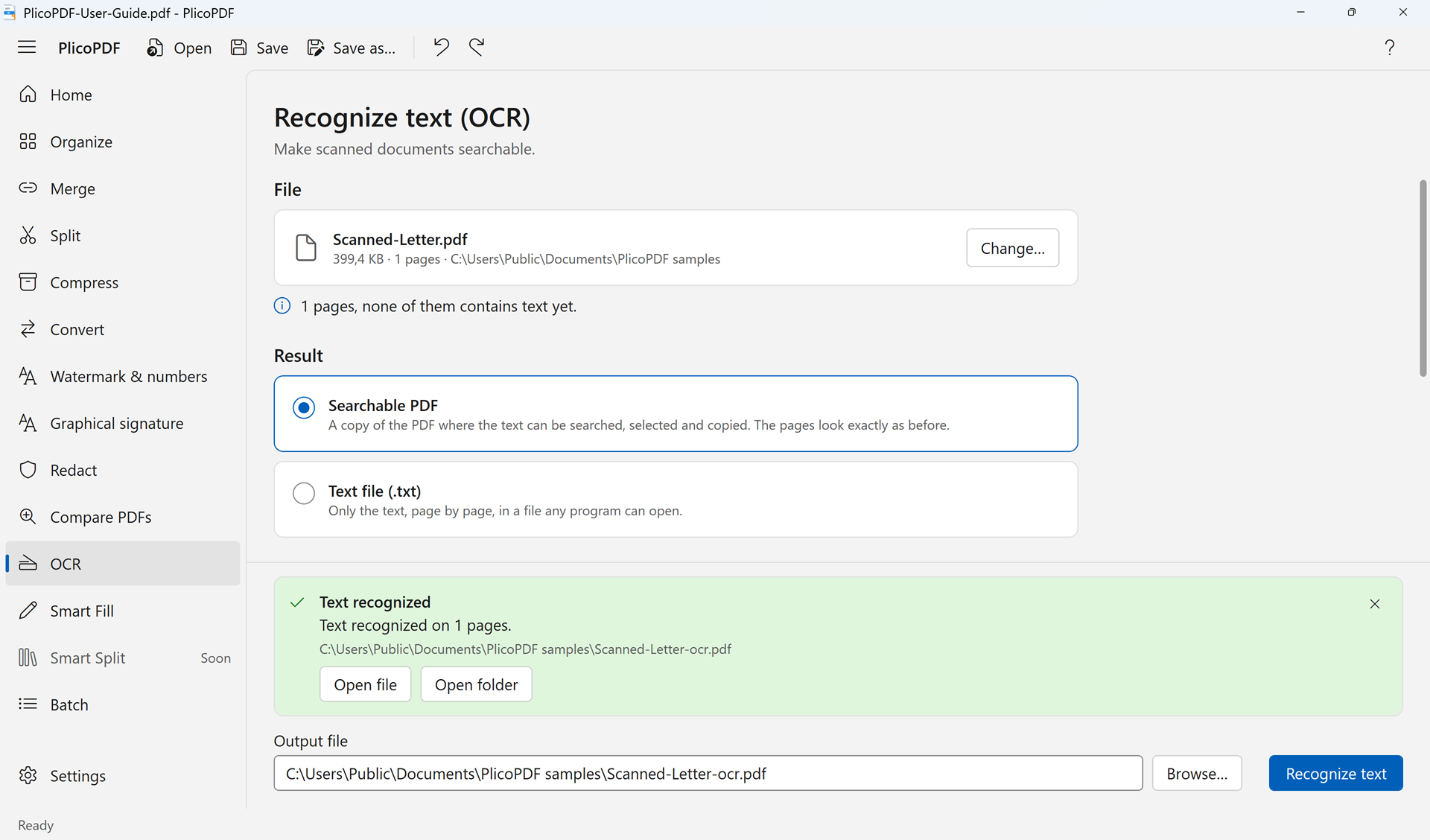 OCR
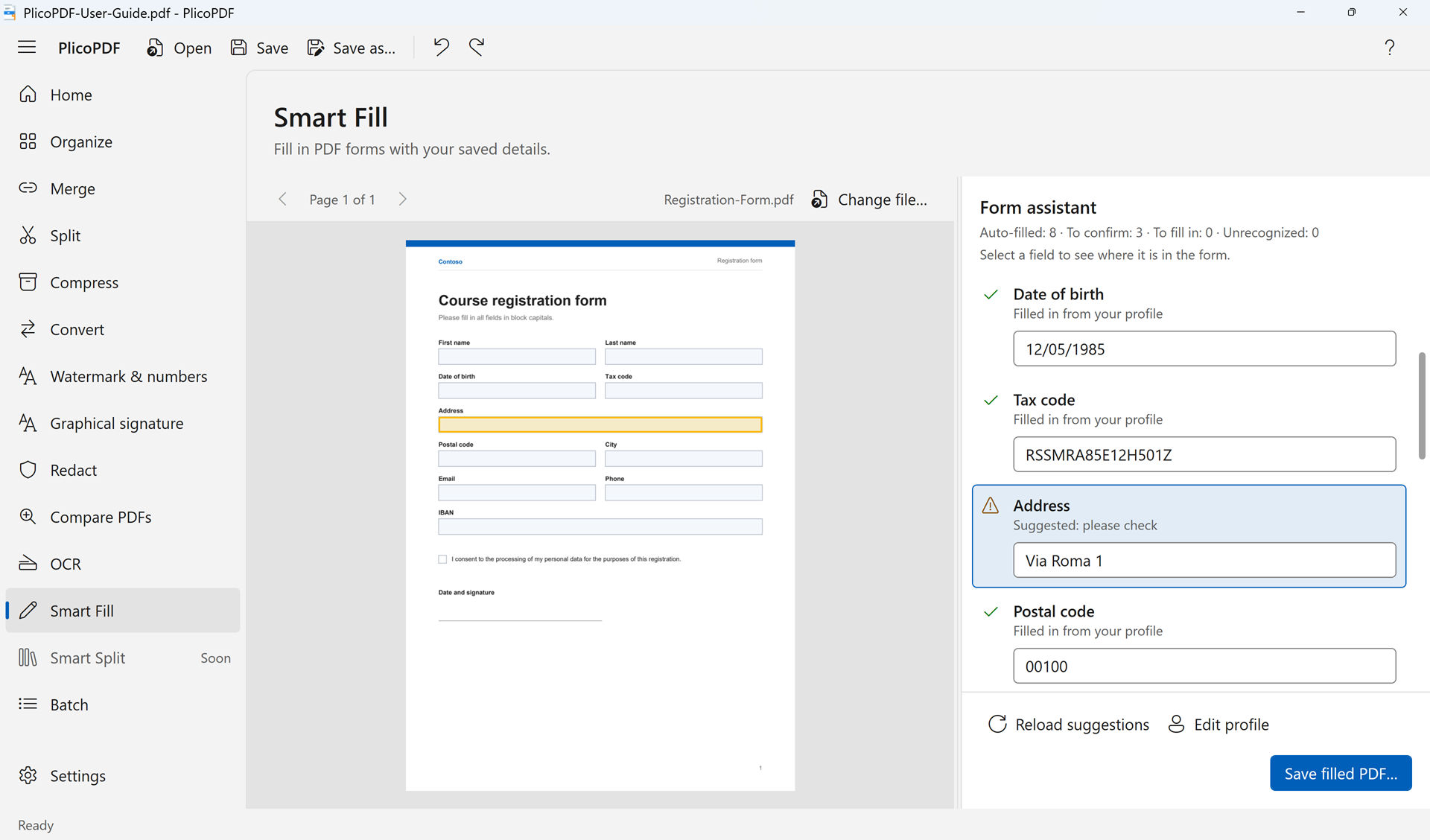 Smart Fill
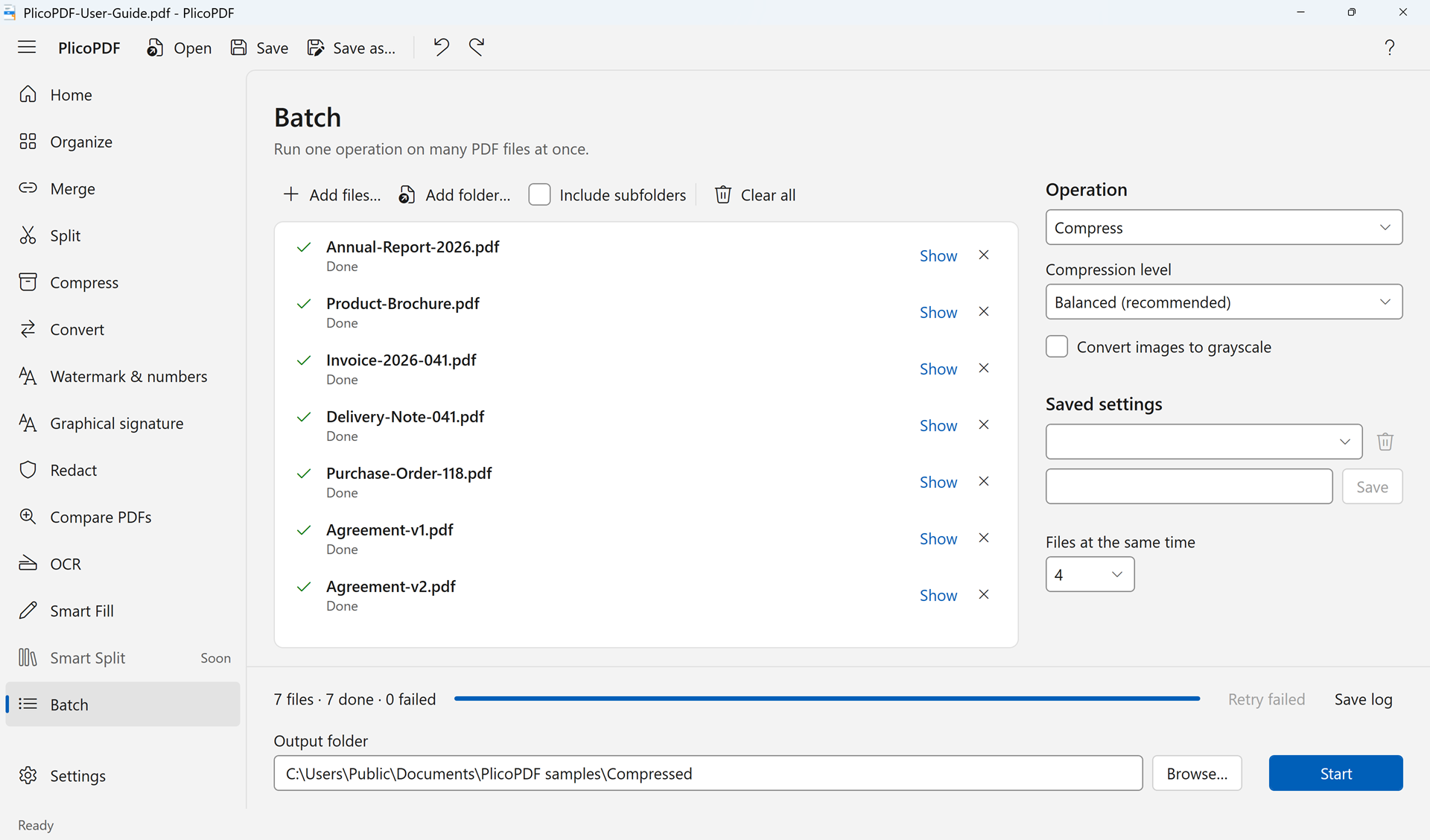 Batch
In Italian
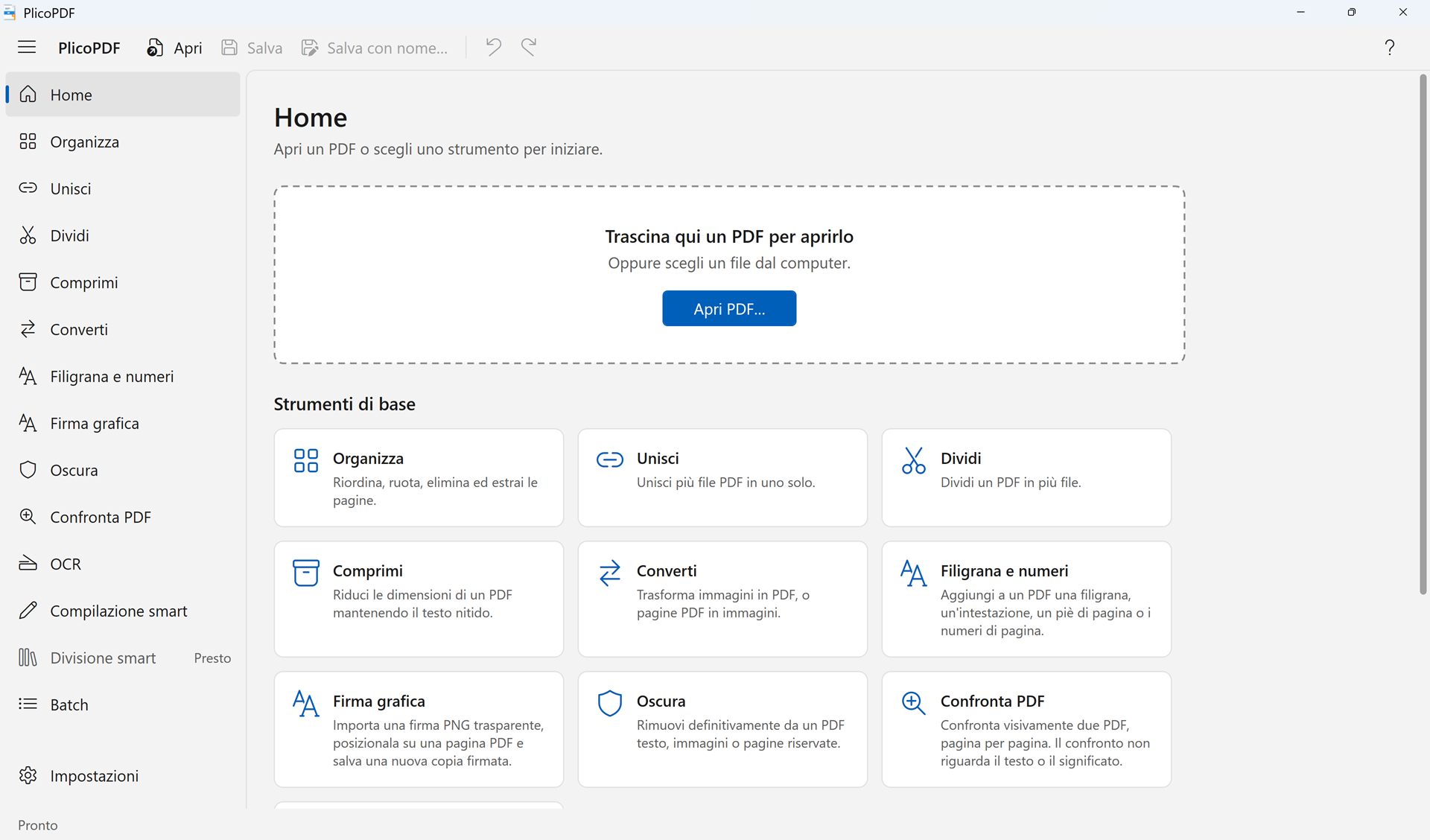 Home
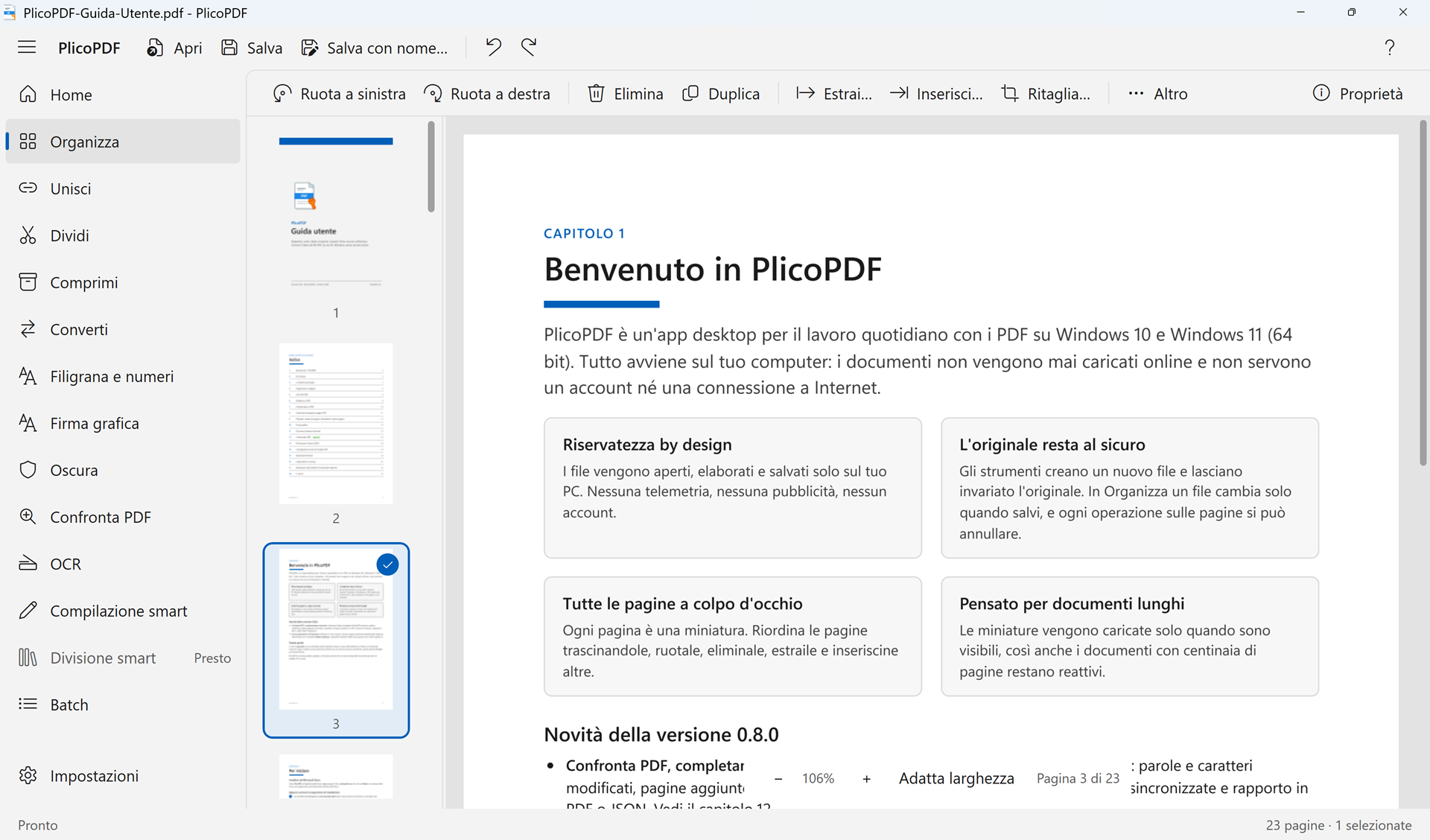 Organize
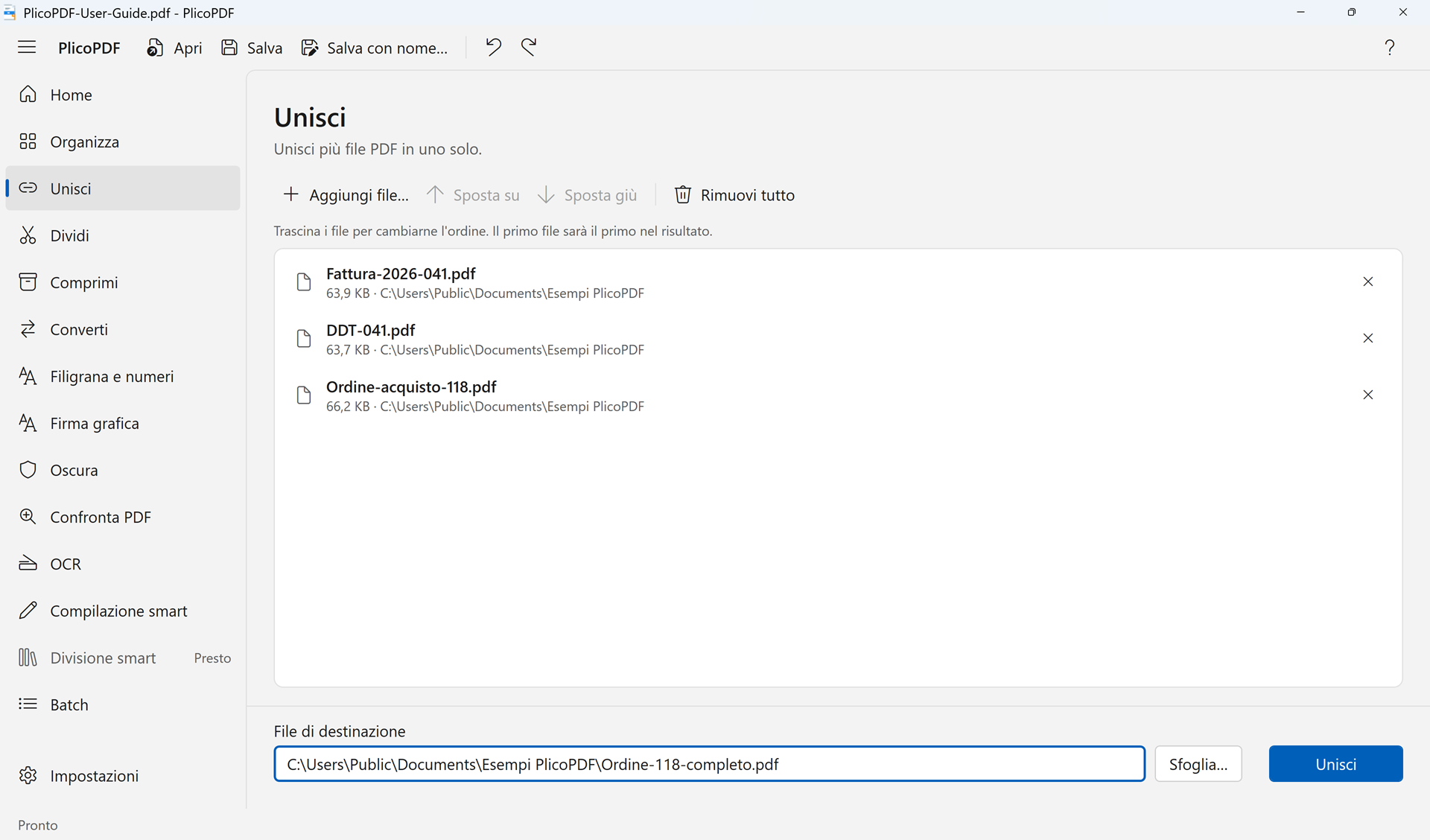 Merge
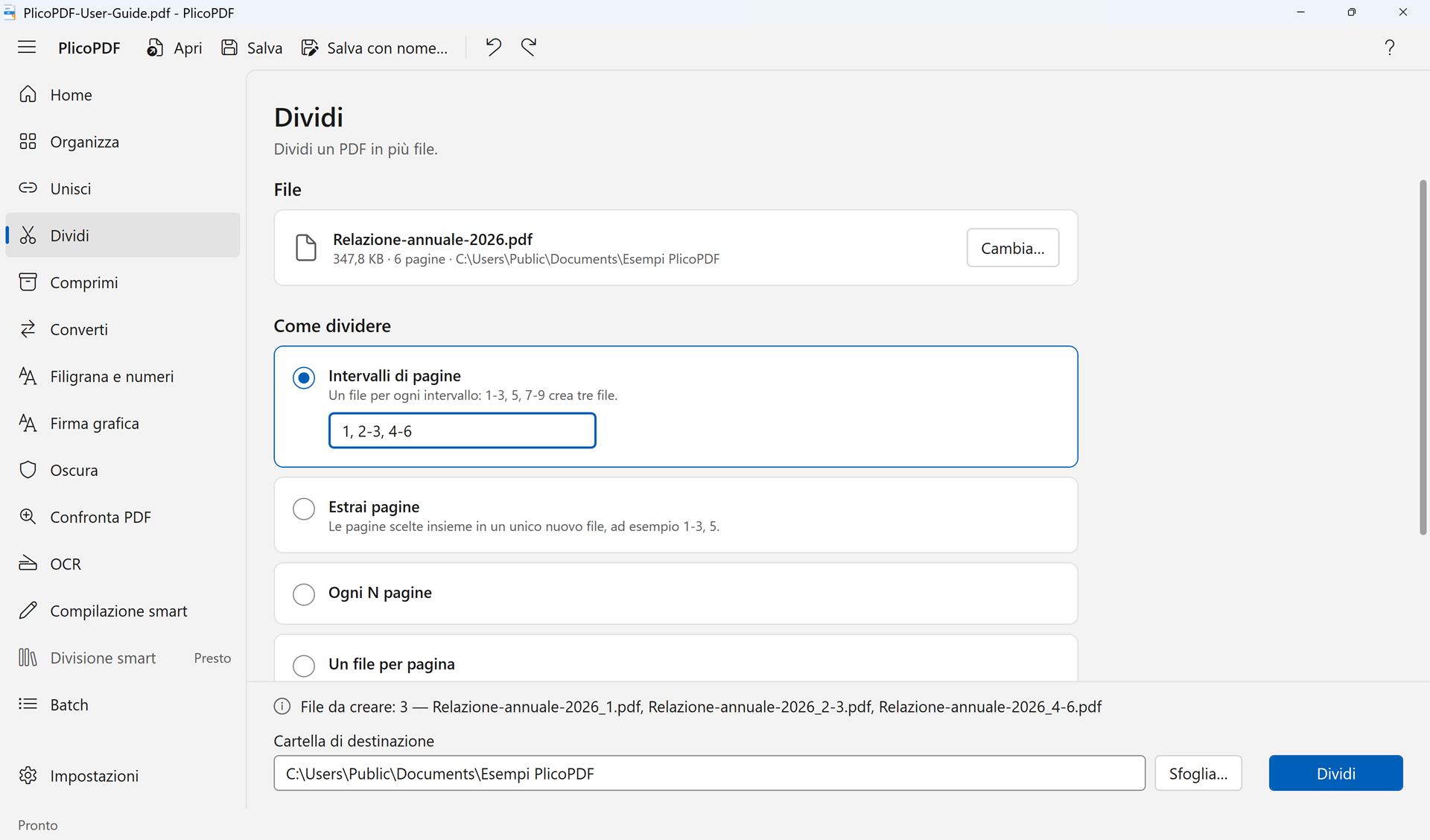 Split
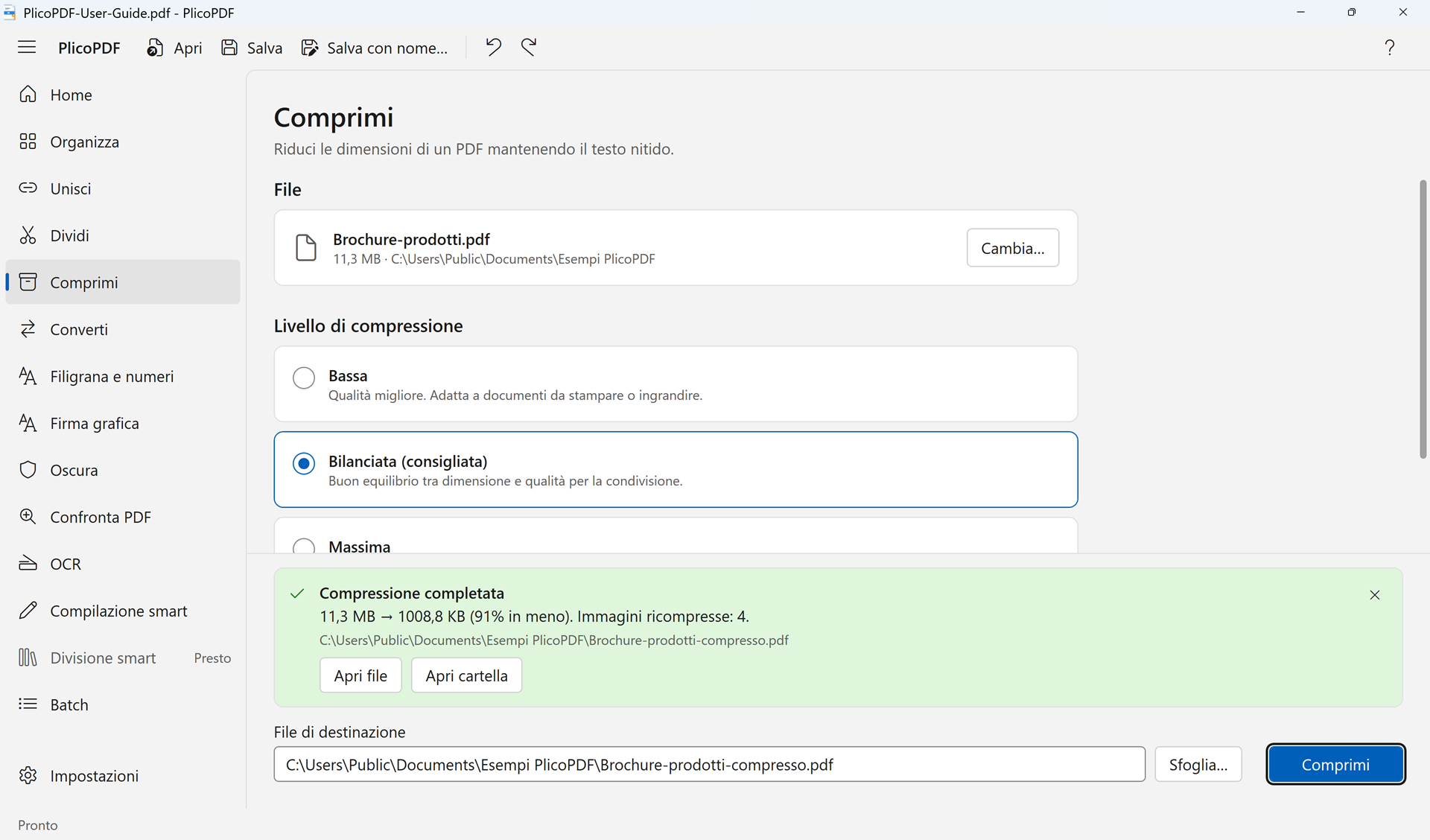 Compress
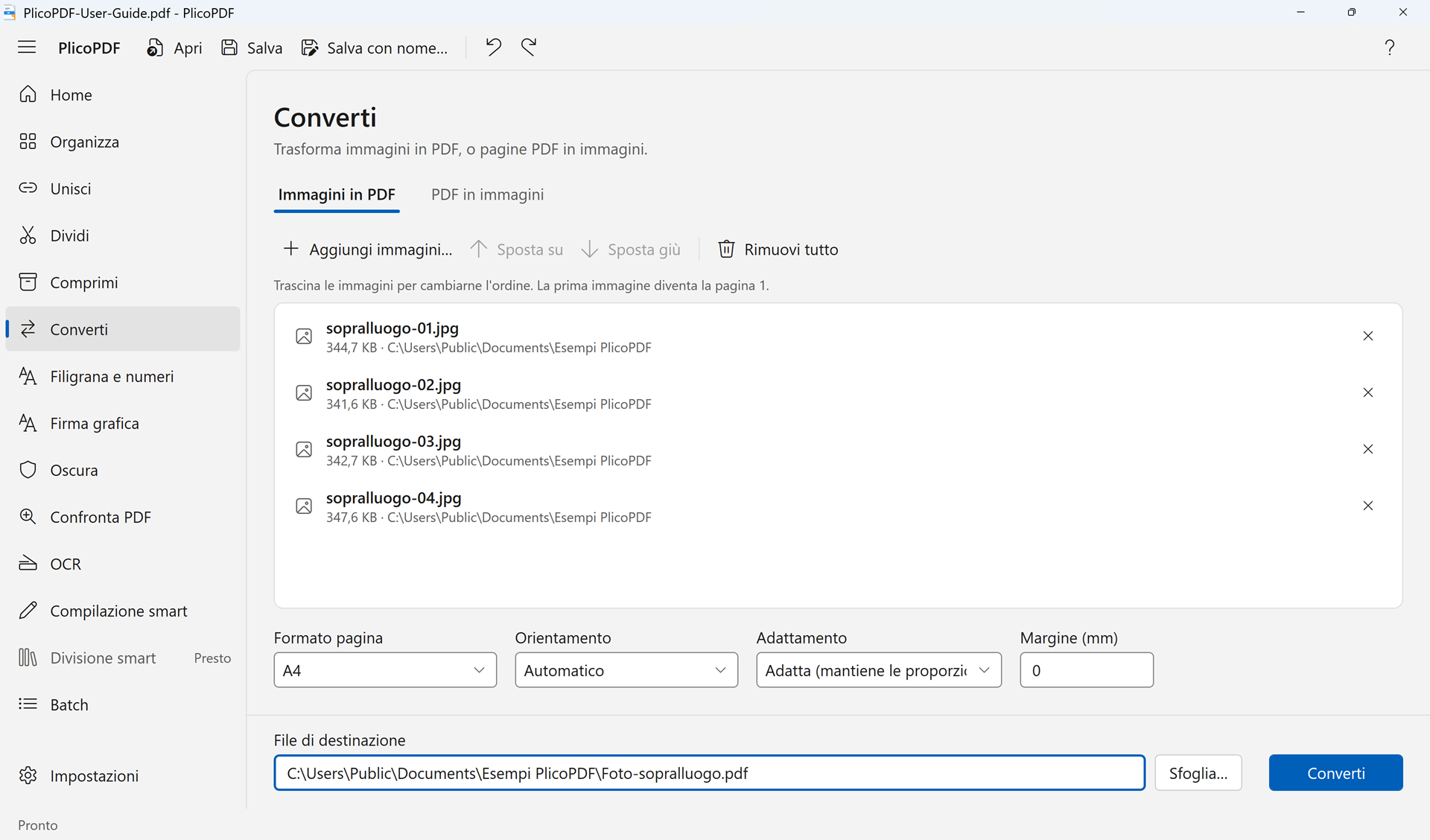 Images to PDF
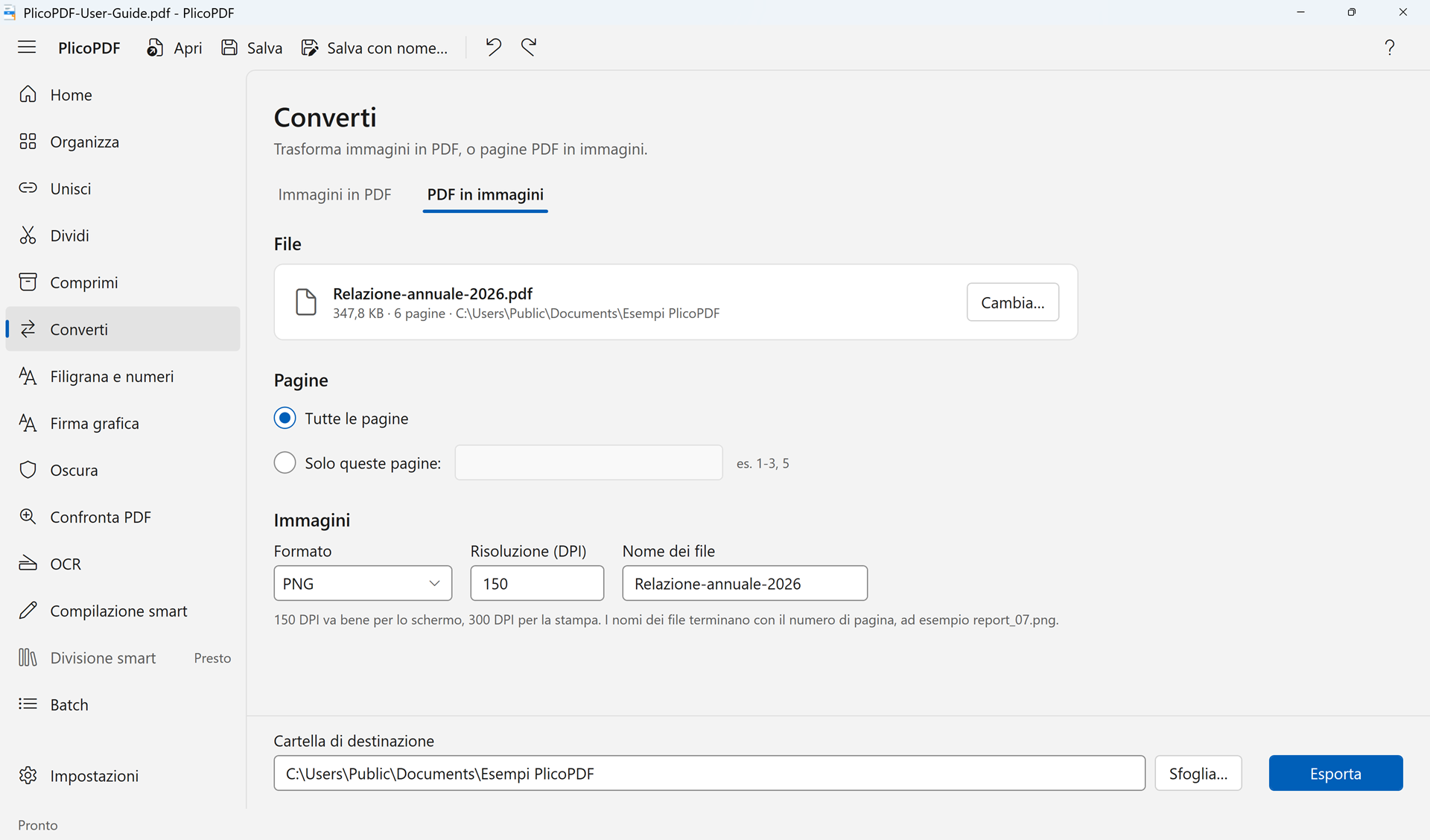 PDF to images
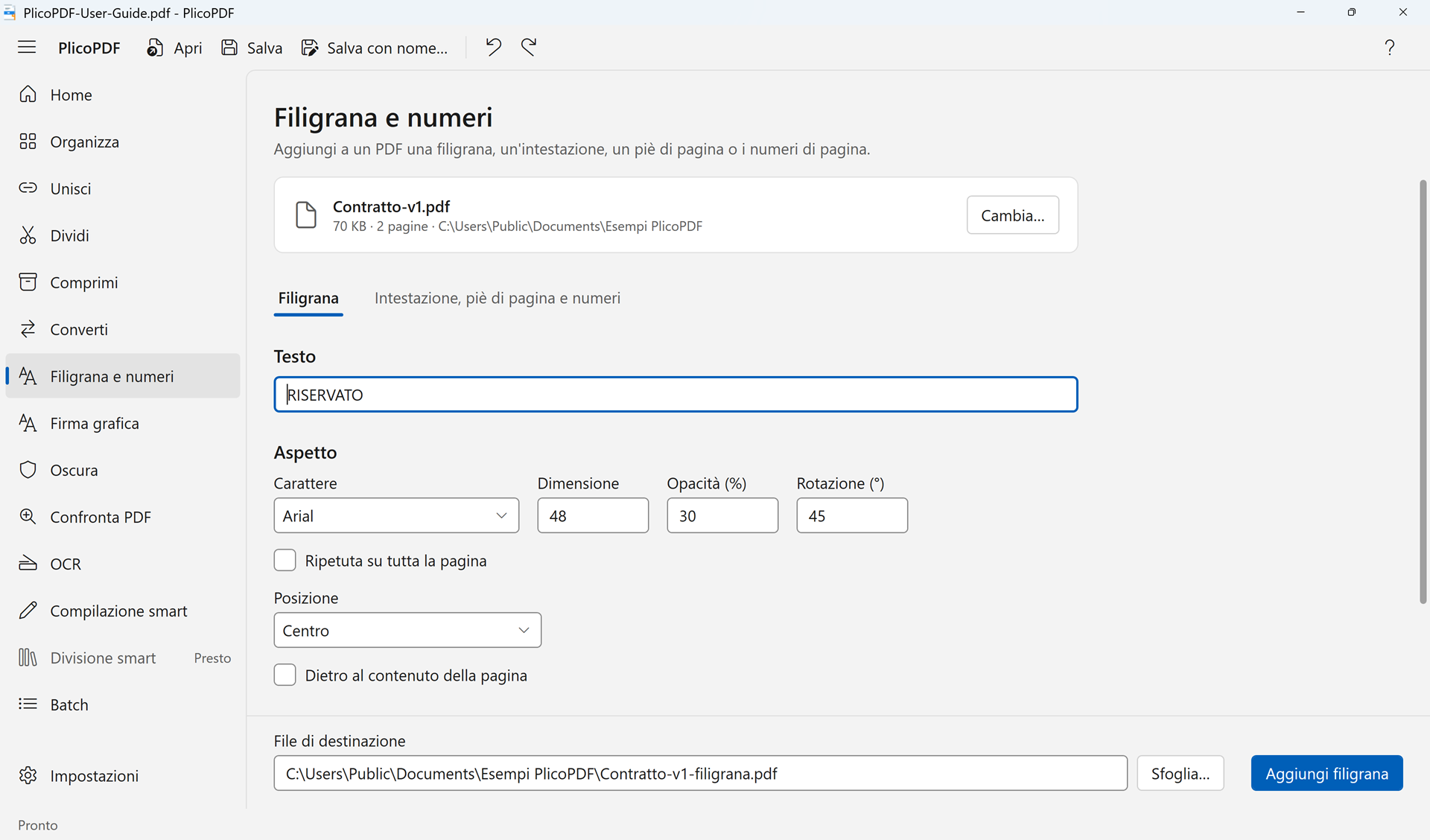 Watermark and numbers
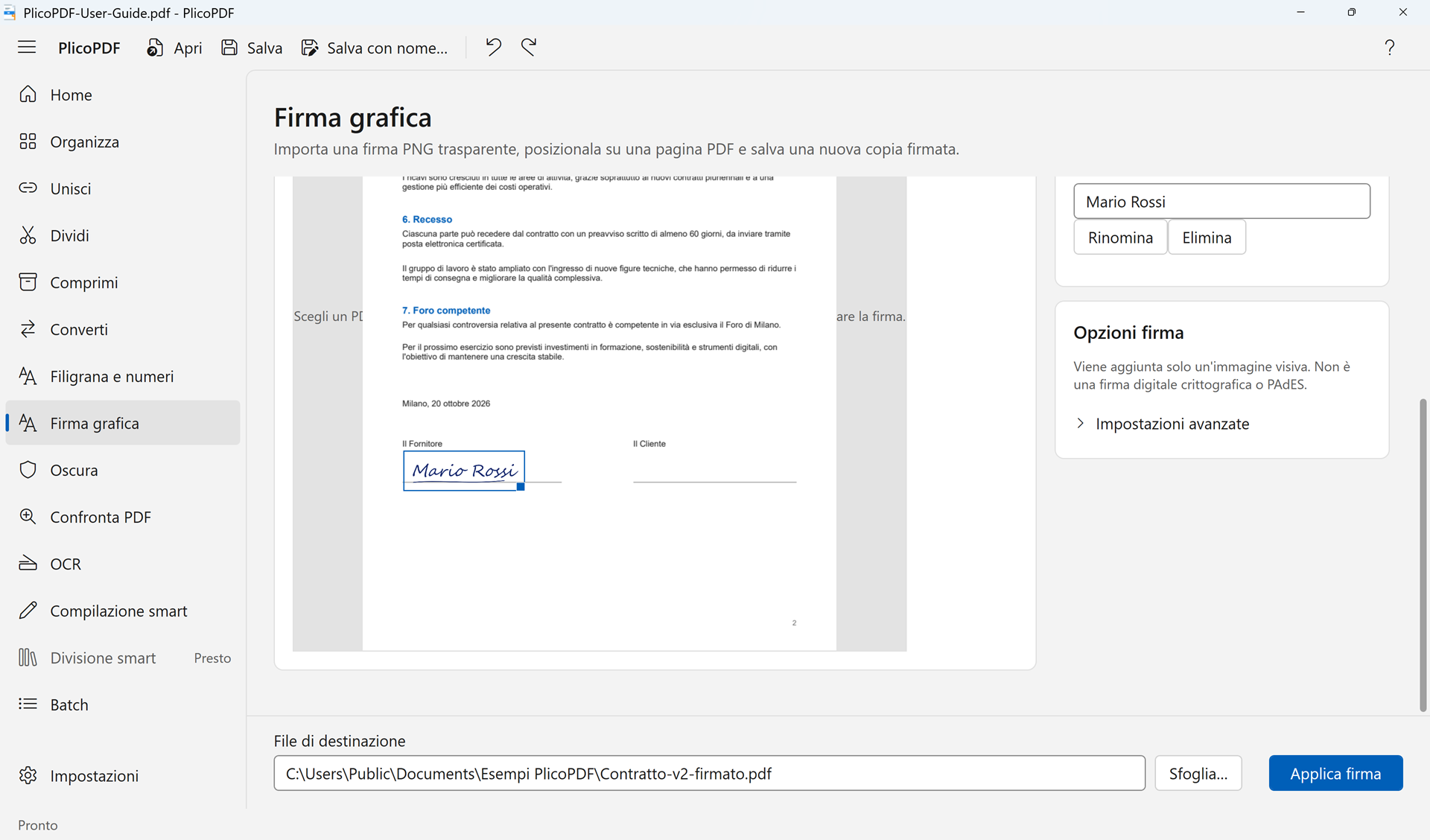 Graphical signature
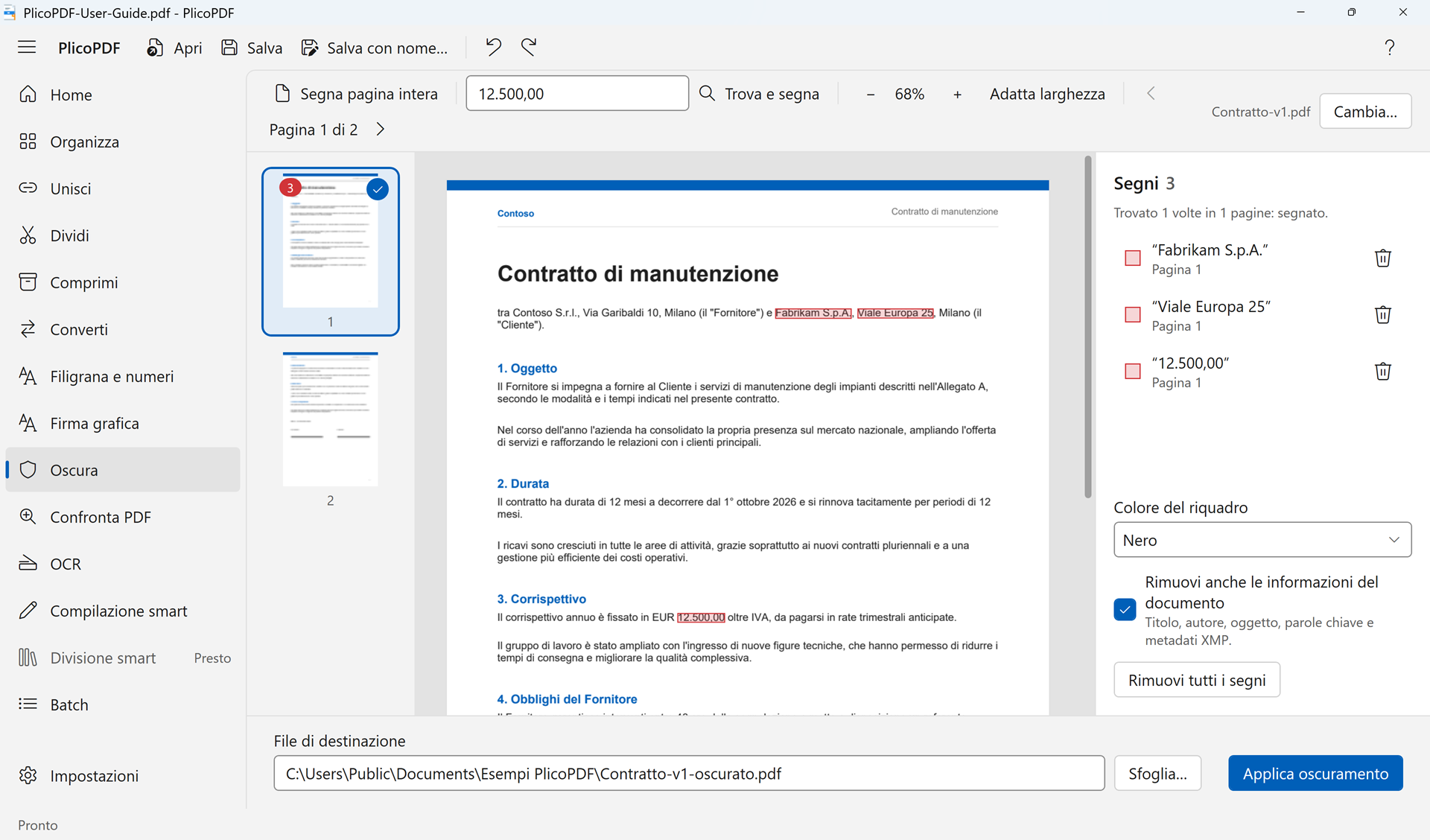 Redact
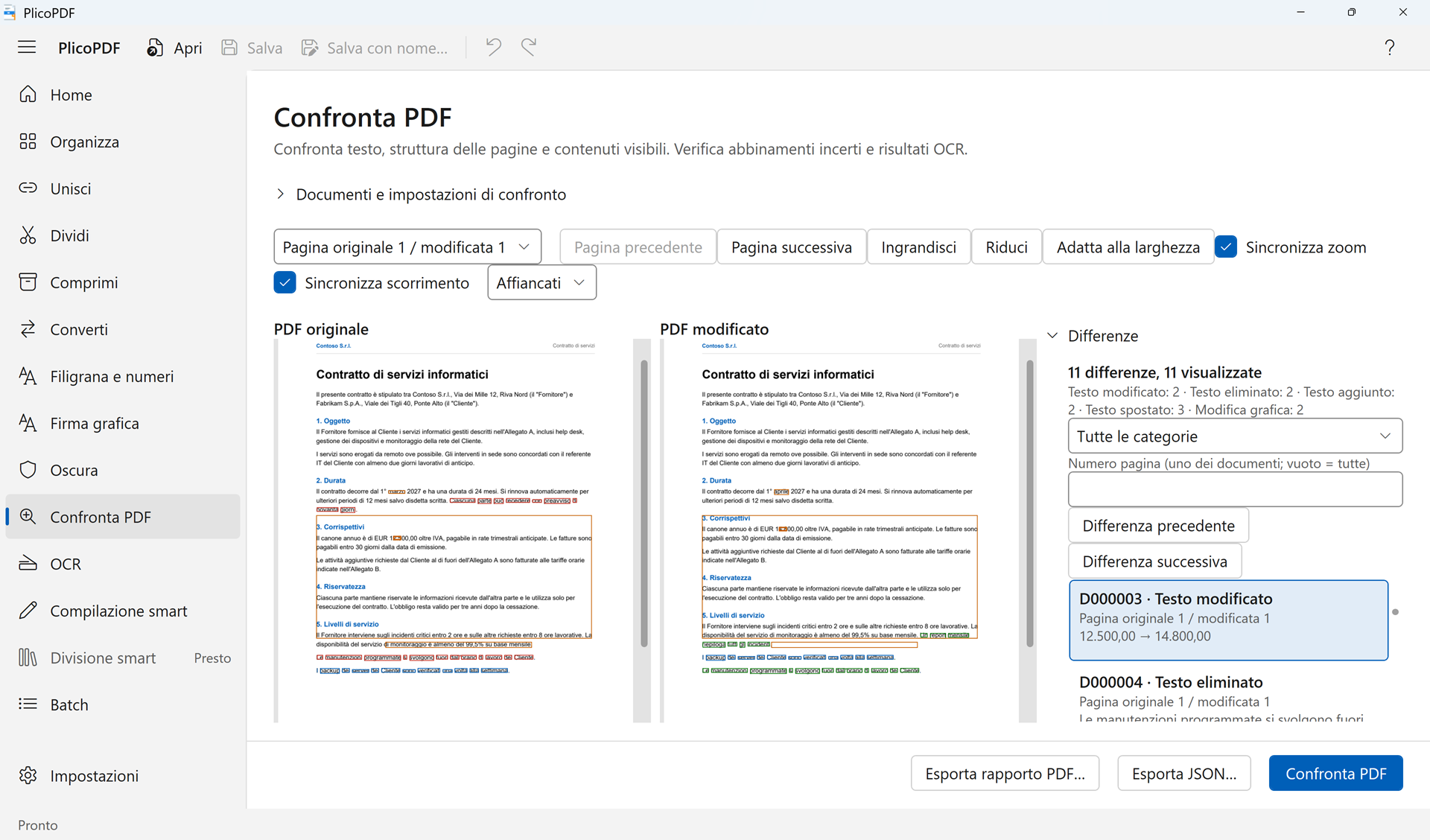 Compare PDFs
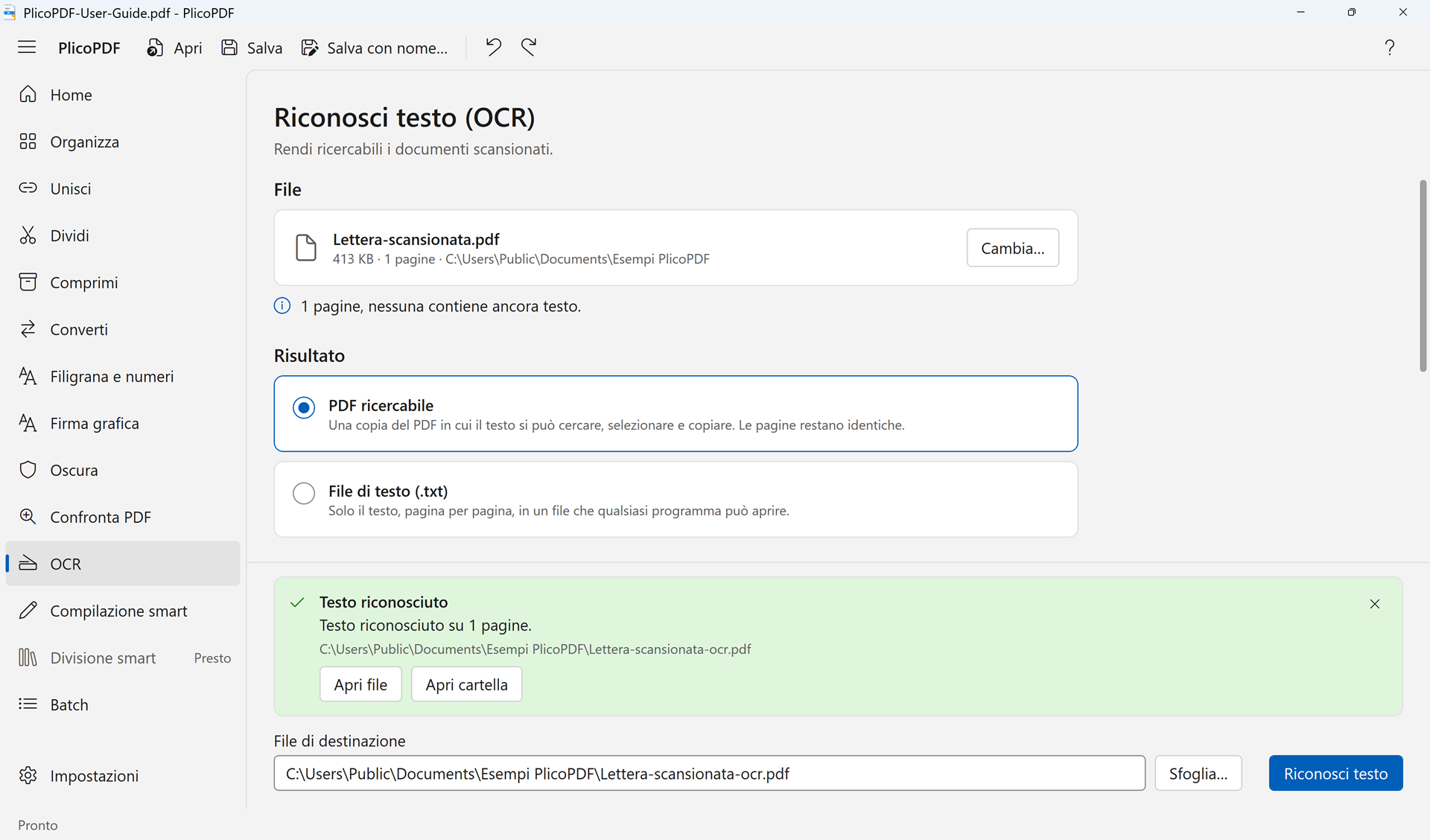 OCR
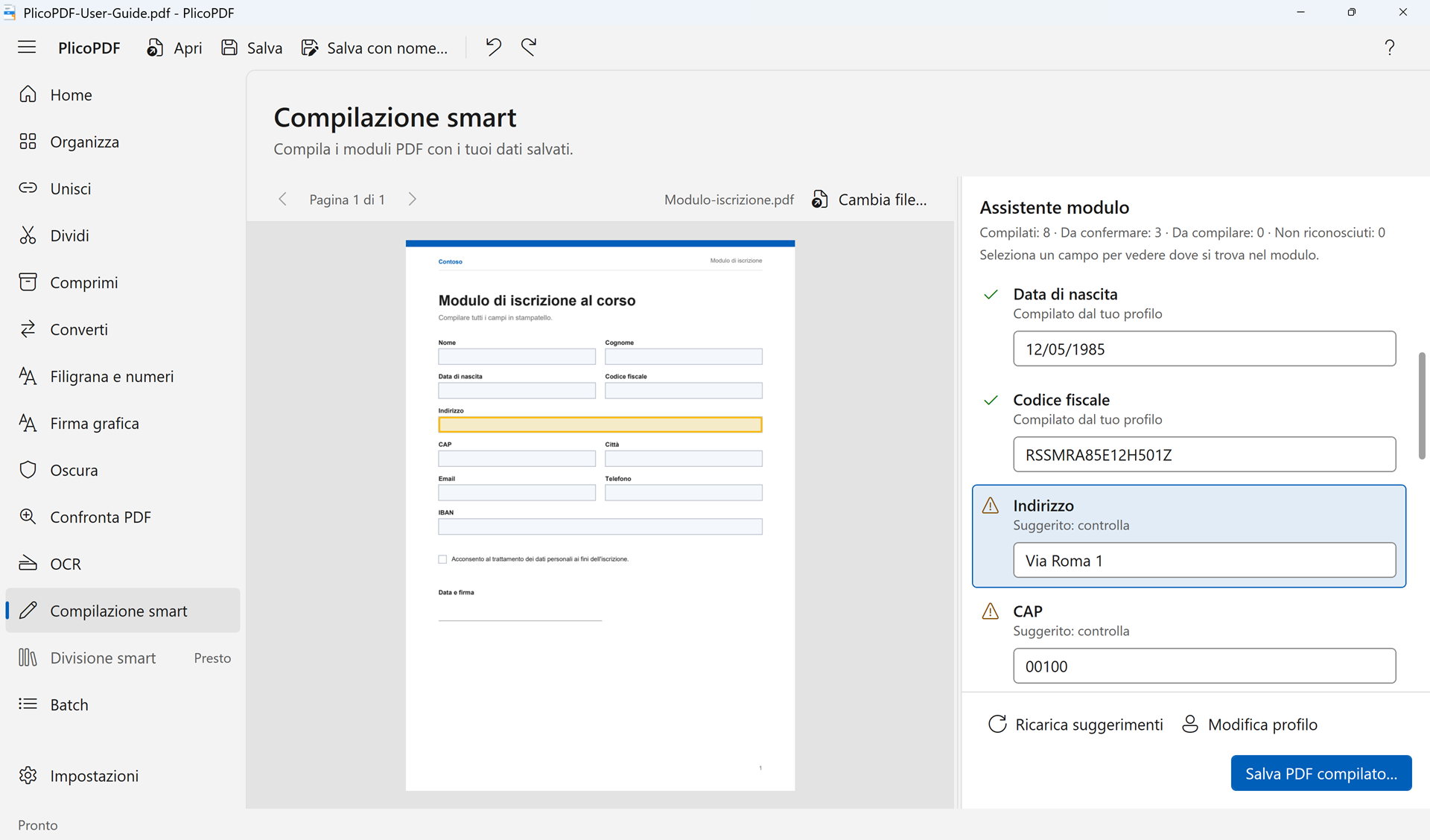 Smart Fill
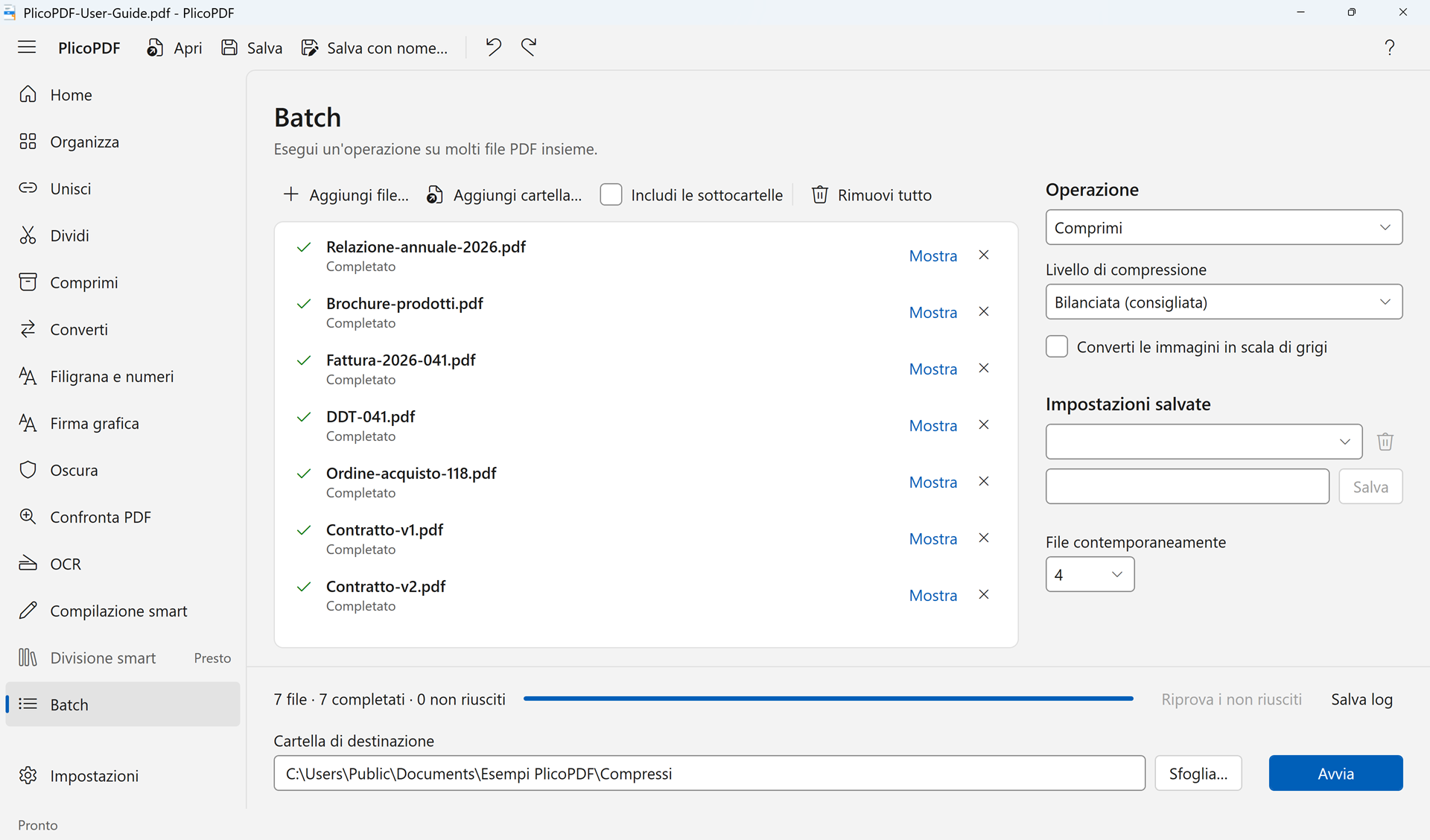 Batch
Each image shows the app with a sample document loaded. Click an image to download it at 1920 × 1128.
Free beta · Windows 10 and 11, 64-bit · about 107 MB · User guide (PDF, 2 MB)